



















Updated Games
Updated Games With Fresher Browser Play
The Updated Games page is made for players who want browser titles that feel cleaner, newer, or better than before. Some games are updated with smoother controls, faster loading, clearer menus, better mobile layouts, or small gameplay changes that make the session easier to enjoy. This page helps players find those refreshed titles without searching through the whole site.
Updated games are useful because a title does not need to be brand new to deserve another try. A game that once felt slow, confusing, or unfinished may become more playable after fixes and improvements. Players can use this section to revisit familiar games, test recent changes, and discover titles that may now feel more polished.
🔄 Why Updated Games Are Worth Revisiting
Updates can change how a game feels in the first minute. Better button response, cleaner movement, improved object behavior, and reduced loading delays can turn an average browser game into a stronger choice for quick play.
This matters because players usually decide fast. If the game loads slowly or the controls feel rough, many users leave before seeing the real gameplay. Updated titles give those games a second chance by improving the parts that affect the first impression most.
⚙️ Small Changes That Improve The Session
Not every update needs to add a new mode or a new area. Sometimes the best update is practical. A clearer start screen, better touch controls, smoother physics, fixed sound, adjusted difficulty, or cleaner visual feedback can make the whole game easier to understand.
These changes help players stay focused on the actual gameplay. Instead of fighting the interface, they can move, solve, aim, collect, race, cut, jump, or explore with fewer interruptions. That is why updated games can be more useful than random new titles.
💥 Blast Games And Quick Challenge Updates
Players who enjoy fast reactions can check Popular Blast Games. These titles often focus on quick decisions, timing, matching, clearing objects, or short challenge loops. When blast games are updated, the improvements usually matter quickly because the gameplay depends on speed and readable feedback.
A good update in this type of game should make the action easier to follow. Players need to understand what changed after each move and why the result happened. Clear feedback keeps short challenge games from feeling random.
🎿 Refreshed Action In Super Ski Adventure Hill
Super Ski - Adventure Hill is the kind of game that can benefit from smoother movement and better obstacle timing. Skiing games rely on control, rhythm, and quick reactions, so even small improvements can change how playable the title feels.
Updated action or sports-style games need readable motion. Players should be able to see the path, react to hazards, and understand mistakes without guessing. When the timing feels fair, the game becomes easier to replay and more satisfying to test again.
👗 Updated Girl Games And Casual Picks
Some updated titles focus on calmer play instead of speed. girl games can include dress up, makeover, decoration, cooking, baby care, hidden object, and casual task-based games. Updates in these sections often improve menus, item selection, screen spacing, or visual results.
These improvements matter because creative and casual games depend on clean interaction. Players want to choose outfits, arrange items, decorate spaces, or complete simple tasks without confusing buttons or crowded screens. A cleaner layout can make the game feel easier from the start.
📱 Updated Games On Mobile And Desktop
Device fit is one of the biggest reasons updates matter. A game can work well on desktop but feel awkward on mobile if the buttons are too small or the screen is crowded. Updated games may improve touch areas, spacing, text size, loading behavior, or general browser stability.
Players should still test each title quickly. Not every updated game will fit every device. A fast action game may feel better on keyboard, while a simple casual or puzzle game may work better on phones and tablets.
🧭 How To Choose Updated Games
Start with the reason you opened the page. If you want speed, try action, blast, racing, skiing, or arcade titles. If you want calmer play, choose puzzle, dress up, cooking, hidden object, or casual games. If you want to revisit an old favorite, test whether the updated version feels smoother than before.
Do not choose only because a game appears updated. Open it, check the loading, test the controls, and see whether the goal feels clear. If the game still feels rough after the first minute, move to another updated title.
❓ Updated Games FAQ
What are updated games? They are browser games that may include fixes, smoother controls, cleaner layouts, or refreshed gameplay.
Why should players replay an updated game? The newer version may feel faster, clearer, or easier to control than before.
Which updated games are good for short sessions? Blast games, arcade titles, skiing games, puzzles, and casual picks usually work well.
Can updated games work better on mobile? Yes, especially when touch controls, menus, and screen spacing have been improved.
How should players test an updated game? Check loading, controls, screen clarity, and the main goal during the first minute.
Play Updated Games Online
The Updated Games page helps players find refreshed browser titles across action, blast, skiing, puzzle, casual, girl games, racing, arcade, and other playable sections. It is useful for testing improvements, replaying familiar titles, and finding games that may now feel smoother.
Choose an updated game, test the first minute, and keep playing the titles that feel cleaner, faster, and easier to enjoy.













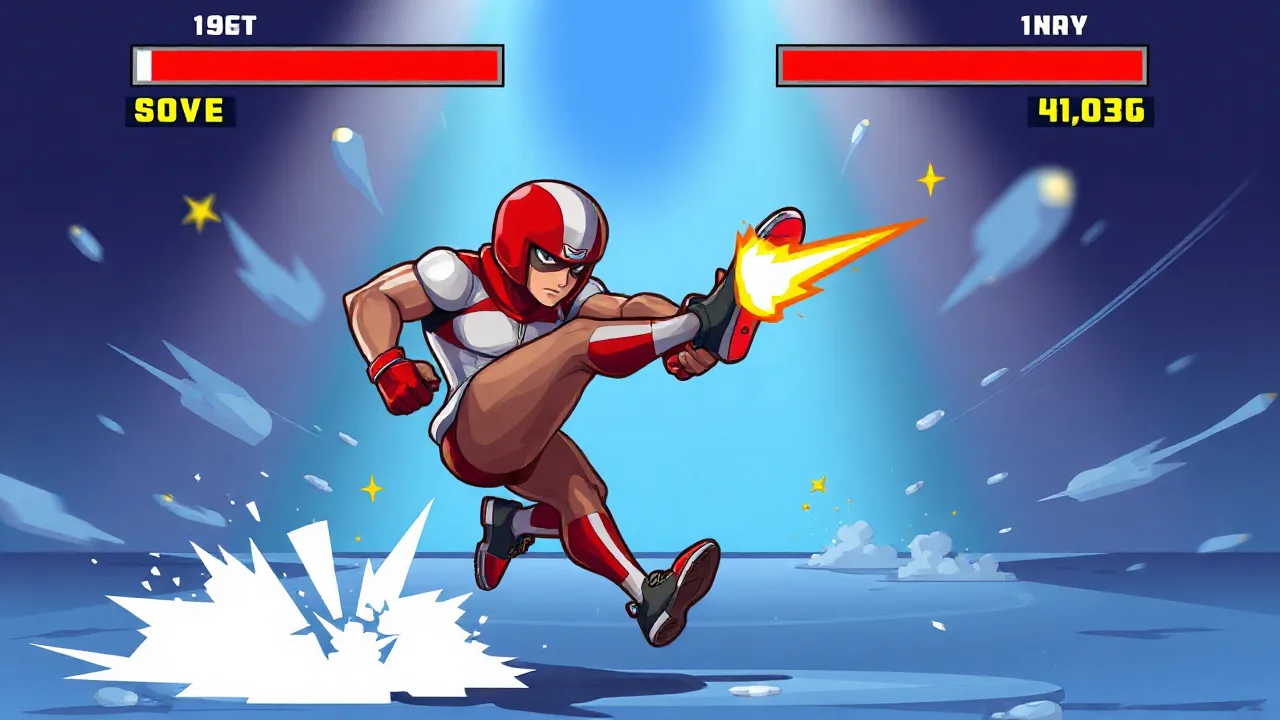

Updated Games With Fresher Browser Play
The Updated Games page is made for players who want browser titles that feel cleaner, newer, or better than before. Some games are updated with smoother controls, faster loading, clearer menus, better mobile layouts, or small gameplay changes that make the session easier to enjoy. This page helps players find those refreshed titles without searching through the whole site.
Updated games are useful because a title does not need to be brand new to deserve another try. A game that once felt slow, confusing, or unfinished may become more playable after fixes and improvements. Players can use this section to revisit familiar games, test recent changes, and discover titles that may now feel more polished.
🔄 Why Updated Games Are Worth Revisiting
Updates can change how a game feels in the first minute. Better button response, cleaner movement, improved object behavior, and reduced loading delays can turn an average browser game into a stronger choice for quick play.
This matters because players usually decide fast. If the game loads slowly or the controls feel rough, many users leave before seeing the real gameplay. Updated titles give those games a second chance by improving the parts that affect the first impression most.
⚙️ Small Changes That Improve The Session
Not every update needs to add a new mode or a new area. Sometimes the best update is practical. A clearer start screen, better touch controls, smoother physics, fixed sound, adjusted difficulty, or cleaner visual feedback can make the whole game easier to understand.
These changes help players stay focused on the actual gameplay. Instead of fighting the interface, they can move, solve, aim, collect, race, cut, jump, or explore with fewer interruptions. That is why updated games can be more useful than random new titles.
💥 Blast Games And Quick Challenge Updates
Players who enjoy fast reactions can check Popular Blast Games. These titles often focus on quick decisions, timing, matching, clearing objects, or short challenge loops. When blast games are updated, the improvements usually matter quickly because the gameplay depends on speed and readable feedback.
A good update in this type of game should make the action easier to follow. Players need to understand what changed after each move and why the result happened. Clear feedback keeps short challenge games from feeling random.
🎿 Refreshed Action In Super Ski Adventure Hill
Super Ski - Adventure Hill is the kind of game that can benefit from smoother movement and better obstacle timing. Skiing games rely on control, rhythm, and quick reactions, so even small improvements can change how playable the title feels.
Updated action or sports-style games need readable motion. Players should be able to see the path, react to hazards, and understand mistakes without guessing. When the timing feels fair, the game becomes easier to replay and more satisfying to test again.
👗 Updated Girl Games And Casual Picks
Some updated titles focus on calmer play instead of speed. girl games can include dress up, makeover, decoration, cooking, baby care, hidden object, and casual task-based games. Updates in these sections often improve menus, item selection, screen spacing, or visual results.
These improvements matter because creative and casual games depend on clean interaction. Players want to choose outfits, arrange items, decorate spaces, or complete simple tasks without confusing buttons or crowded screens. A cleaner layout can make the game feel easier from the start.
📱 Updated Games On Mobile And Desktop
Device fit is one of the biggest reasons updates matter. A game can work well on desktop but feel awkward on mobile if the buttons are too small or the screen is crowded. Updated games may improve touch areas, spacing, text size, loading behavior, or general browser stability.
Players should still test each title quickly. Not every updated game will fit every device. A fast action game may feel better on keyboard, while a simple casual or puzzle game may work better on phones and tablets.
🧭 How To Choose Updated Games
Start with the reason you opened the page. If you want speed, try action, blast, racing, skiing, or arcade titles. If you want calmer play, choose puzzle, dress up, cooking, hidden object, or casual games. If you want to revisit an old favorite, test whether the updated version feels smoother than before.
Do not choose only because a game appears updated. Open it, check the loading, test the controls, and see whether the goal feels clear. If the game still feels rough after the first minute, move to another updated title.
❓ Updated Games FAQ
What are updated games? They are browser games that may include fixes, smoother controls, cleaner layouts, or refreshed gameplay.
Why should players replay an updated game? The newer version may feel faster, clearer, or easier to control than before.
Which updated games are good for short sessions? Blast games, arcade titles, skiing games, puzzles, and casual picks usually work well.
Can updated games work better on mobile? Yes, especially when touch controls, menus, and screen spacing have been improved.
How should players test an updated game? Check loading, controls, screen clarity, and the main goal during the first minute.
Play Updated Games Online
The Updated Games page helps players find refreshed browser titles across action, blast, skiing, puzzle, casual, girl games, racing, arcade, and other playable sections. It is useful for testing improvements, replaying familiar titles, and finding games that may now feel smoother.
Choose an updated game, test the first minute, and keep playing the titles that feel cleaner, faster, and easier to enjoy.