



















Top Strategies to Dominate in Poppy Strike
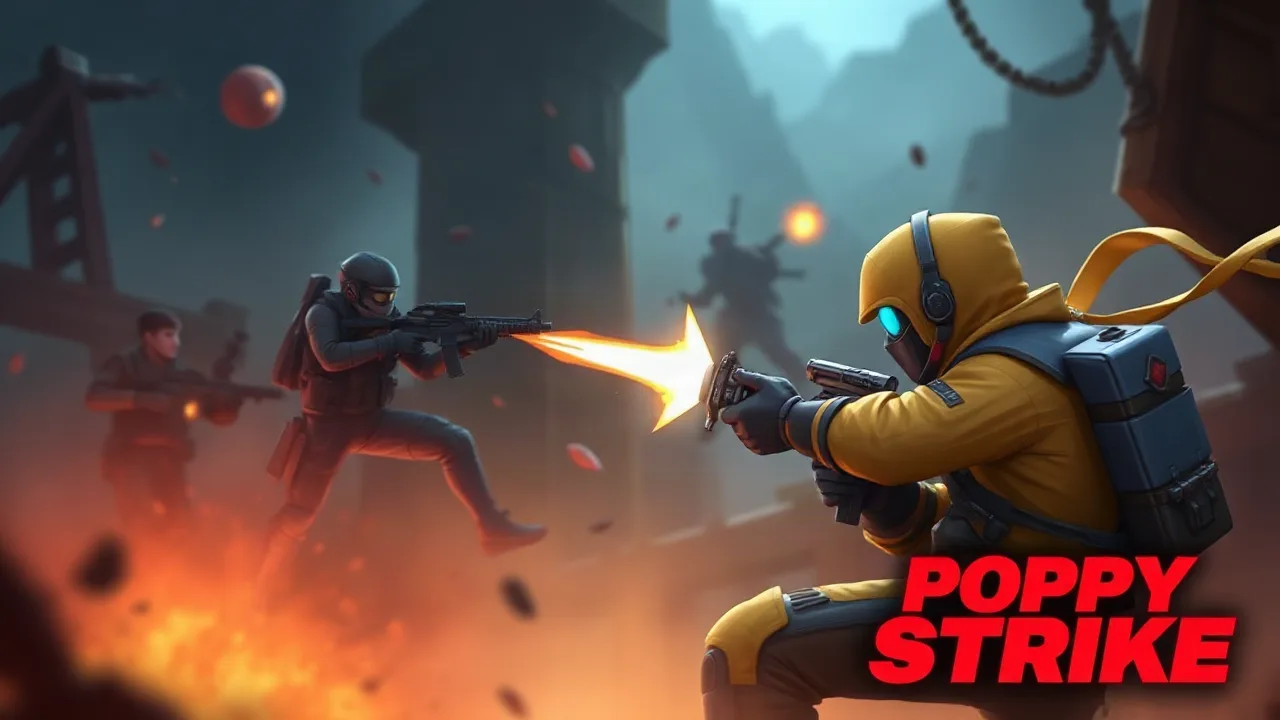
Poppy Strike is an intense browser-based shooter that demands quick reflexes and sharp tactical thinking. Players are dropped into fast-paced combat scenarios where survival depends on mastering movement, aiming accurately, and managing limited resources under pressure. This guide is designed to help you navigate the chaotic environments, understand the core mechanics, and develop the skills needed to outlast your opponents. Whether you are a newcomer looking for a quick start or an experienced player aiming to refine your approach, these strategies will provide the edge you need to succeed.
Mastering Movement and Positioning
In Poppy Strike, standing still is often a death sentence. The game rewards dynamic movement, encouraging players to constantly reposition to gain a tactical advantage. You should learn to strafe effectively, making yourself a harder target while maintaining your aim. Utilizing cover is equally important; peeking out to take shots and then retreating to reload or recover is a fundamental survival tactic. Always be aware of your surroundings, as threats can emerge from multiple angles. Mastering the art of the "peek-and-shoot" and knowing when to retreat to a safer vantage point will significantly increase your survival time.
Essential Combat Mechanics for Beginners
Before diving into advanced tactics, you must understand the basic controls and combat flow. The movement keys allow for fluid navigation, while the mouse controls your aim and fire. Recoil management is a critical skill; firing continuously will cause your shots to drift, so practicing burst firing is highly recommended. This technique involves firing a few rounds at a time to maintain accuracy before resetting your aim. Additionally, learning the reload timing is vital. Always try to reload behind cover rather than in the open, ensuring you are not vulnerable during the animation.
Game Overview and Session Details
Understanding the general flow of a match helps in planning your strategy. The game is designed for quick, accessible sessions that fit perfectly into a break. Below is a quick summary of what to expect when you load up the game.
| Feature | Details |
|---|---|
| Gameplay Style | Fast-paced First-Person Shooter |
| Controls | Keyboard for movement, Mouse for aiming and shooting |
| Session Pace | High intensity, quick rounds |
| Device Fit | Desktop browsers recommended for precision |
| Category Focus | Action and Shooting |
Advanced Aiming Techniques
To dominate in Poppy Strike, you need to move beyond basic aiming. Crosshair placement is a subtle but game-changing habit. Instead of looking at the ground or walls while moving, keep your crosshair at head level where an enemy is likely to appear. This minimizes the distance you need to move your mouse when a target pops up, allowing for faster reaction shots. Furthermore, learning to "snap" to targets involves developing muscle memory for quick flicks of the wrist. Spend time practicing your tracking, which is the ability to keep your crosshair on a moving target smoothly. Consistent practice in these areas will turn you into a formidable opponent.
Weapon Management and Resourcefulness
Ammo conservation is often overlooked by new players who prefer to spray and pray. In Poppy Strike, every bullet counts. Engaging targets at long range with automatic fire is wasteful and inaccurate. Instead, switch to single shots or short bursts for distant enemies, and save your automatic fire for close-quarters encounters. If the game offers different weapon pickups, learn to adapt your playstyle to the weapon's strengths. A shotgun requires aggressive, close-range tactics, while a rifle is better suited for holding angles and picking off enemies from a distance. Always check your ammo count before engaging and seek a safe moment to reload when you are running low.
Map Awareness and Environmental Cues
Knowing the map layout is just as important as aiming skills. Pay attention to high-traffic areas and choke points where enemies are likely to congregate. These are prime spots for setting up ambushes or holding defensive lines. Conversely, learning flanking routes allows you to bypass the main conflict and catch opponents off guard. Audio cues are also invaluable; the sound of footsteps or gunfire can reveal an enemy's location long before you see them. Train your ears to distinguish between different sounds to predict enemy movement. By combining map knowledge with auditory awareness, you can anticipate attacks and position yourself advantageously.
Optimizing Your Browser Setup
Since Poppy Strike is a browser game, your technical setup can impact your performance. Ensure your browser is up to date and that you have closed unnecessary tabs to free up system resources. A smooth frame rate is crucial for competitive shooters; if you experience lag, try lowering the in-game graphics settings or disabling hardware acceleration in your browser. Using a wired internet connection instead of Wi-Fi can also reduce latency, ensuring your inputs are registered instantly. A stable and responsive setup allows you to focus entirely on your gameplay without technical distractions.
Frequently Asked Questions
Is Poppy Strike free to play? Yes, Poppy Strike is a free online game that you can access directly through your web browser. There are no hidden costs to jump in and start playing.
Do I need to download anything to play? No downloads are required. This is a browser-based game, meaning you can start playing immediately without installing any software or files to your computer.
What are the system requirements? Since it runs in a browser, the requirements are minimal. A modern web browser and a stable internet connection are all you need to enjoy a smooth experience.
Can I play on mobile devices? While browser games are often accessible on mobile, Poppy Strike is best experienced on a desktop or laptop computer where you can use a keyboard and mouse for precise control.
How can I improve my performance? Focus on mastering movement, crosshair placement, and recoil control. Additionally, optimizing your browser settings and using a stable internet connection will help ensure a lag-free experience.