



















Play melon sandbox unblocked Online – Tips, Tricks Strategy
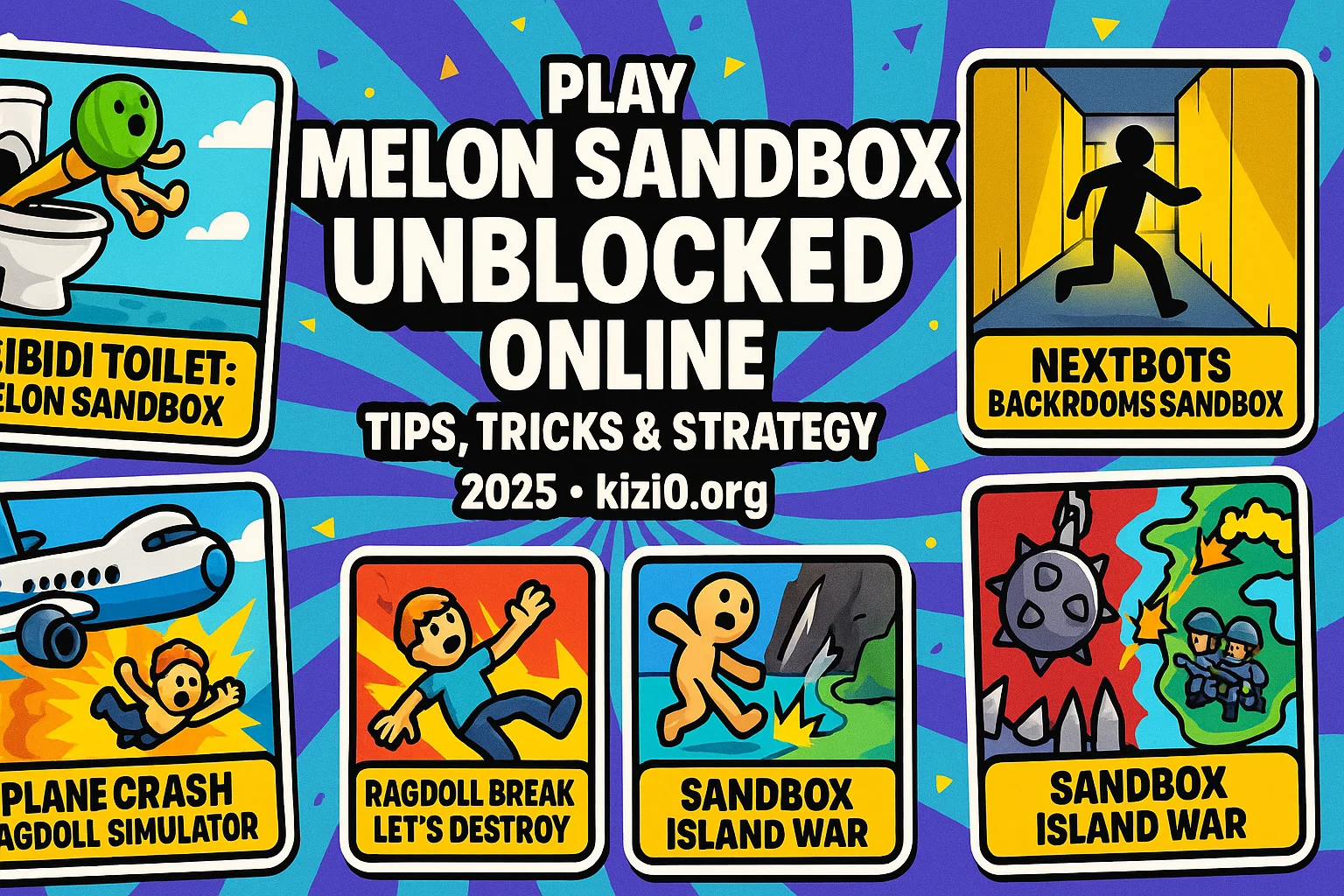
If you want pure chaos, physics mayhem, and meme-powered creativity, melon sandbox unblocked is exactly your vibe. It’s the browser-based playground where you can spawn ragdolls, wire up explosives, and test wild contraptions without your school or office firewall throwing a tantrum. No installs. No sketchy downloads. Just boot it in your browser and start breaking virtual bones (ethically, obviously).
This guide gives you the straight talk: how it plays, how to master it, and which similar games slap when you’re craving more sandbox carnage. Ready to get destructive—in a good way? Play melon sandbox unblocked now on kizi10.org.
What is melon sandbox unblocked? 📖
At its core, melon sandbox unblocked is a physics sandbox—a toy box where the rules of reality are simulated just enough to let you experiment, fail hilariously, and try again smarter. You drop props, connect objects, stack explosives, drag-and-drop ragdolls, and watch authentic(ish) physics decide who survives your “science.” It’s not about levels or finish lines; it’s about emergent gameplay—moments you create yourself.
If you’ve never touched a sandbox title before, think of it as a set of tools more than a traditional game. You’re the designer, director, and demolitions expert. This genre is wildly popular because it doesn’t judge how you play. Want to build a domino maze? Do it. Want to yeet a melon ragdoll across the map with quadruple TNT? Say less.
For background on the genre itself, melon sandbox rides under the umbrella of the “sandbox game”, where players set their own goals and experiments, as defined by Sandbox game.
Controls & Gameplay in melon sandbox unblocked 🎯
Starter kit:
-
Mouse to select, place, rotate, and connect items.
-
Drag & Drop props from your tool palette directly into the scene.
-
Rotate / Flip objects to line up contraptions precisely.
-
Delete with the trash icon or hotkey when your build goes off the rails.
-
Pause/Play Simulation to tweak setups between tests.
-
Duplication to quickly copy frequently used pieces (planks, springs, explosives, etc.).
Core loop (the 30-second fun):
-
Spawn a few objects—ramps, planks, barrels, springs.
-
Add a ragdoll (your “melon”) and position them in harm’s way (purely for science).
-
Wire your gimmick—springs to ramps, fuses to explosives, wheels to axle blocks.
-
Run the sim and watch the physics engine do the punchline.
-
Iterate: move a plank two pixels, add counterweights, tweak force, try again.
Popular mini-projects to try:
-
Human Railgun: funnel the ragdoll through a spring corridor into a TNT finale.
-
Rube-Goldberg Door Opener: dominoes → pulley → lever → “automatic door” opening.
-
Crash Test Lab: cars, ramps, barricades—measure speed and impact results.
-
Buoyancy Tester: build a raft and stack weights until it sinks (RIP raft).
-
Trap Trials: clap doors + pressure plates + swing axes (fantasy OSHA nightmare).
Game modes / play styles you’ll naturally explore:
-
Pure build mode (engineer brain on)
-
Destruction sandbox (Michael Bay simulator)
-
Challenge yourself (rebuild real-world mechanisms)
-
Speed build (how fast can you make X work?)
Top Tips & Strategies 💡
1) Build stable before explosive.
Overbuild your base. Cross-brace planks. Use short segments over single long beams; shorter spans flex less and fail prettier (and by prettier we mean later).
2) Weight is king.
Counterweights stabilize swing arms. If something jitters, add weight low and wide. If something stalls, lighten the load or shorten lever arms.
3) Force > distance (most days).
When launching ragdolls, springs beat ramps. For precise launches, compress springs minimally but add multiple in series.
4) Chain reactions need pacing.
Space your triggers. Use delay between fuses to make dominoes fire in sequence instead of one chaotic boom.
5) Test in slow-mo.
If available, throttle simulation speed. You’ll spot where a hinge sticks or a ramp lip clips the melon’s ankle.
6) Iterate like a gremlin.
Nudge, test, nudge. Micro-adjustments solve 90% of “why does it explode there?” moments.
7) Save blueprints.
Once a sub-assembly works—a compact catapult, a reliable trapdoor—save it. Reuse it in bigger builds.
8) Fail loudly, learn quickly.
If the sim explodes instantly, good. It exposed your weakest link. Fix that one link and rerun.
9) Use symmetry for accuracy.
Mirrored builds ensure clean trajectories. If your launcher veers right, your mass isn’t centered.
10) Don’t overfit for one run.
If your contraption only works once, it’s fragile. Reinforce until it works five times in a row.
Why melon sandbox unblocked Is So Addictive 🔁
Because you own the punchline. Every “aha” moment is yours—your mistake, your tweak, your proud little monster finally working. It scratches both the engineer itch (clean solutions, repeatable results) and the chaos goblin itch (spinning blades + TNT). There’s also the social flex: sharing GIFs or quick clips of your cleanest chain reactions.
The loop is quick (drop stuff, run sim), intuitive (drag-and-drop), and limitless (no fixed levels). The game meets you where you are—five spare minutes or a two-hour deep build. And the physics engine keeps it fresh: tiny changes can create wildly different results, so there’s always one more experiment to try.
Similar Games You’ll Love 🧭
Below are five hand-picked games on Kizi10 that scratch the same physics-sandbox / ragdoll-demolition itch. Each description includes a natural backlink to the game with clean URL and SEO-friendly anchor text.
🏆 Fan Favorite: Skibidi Toilet: Melon Sandbox
If melon physics plus meme energy is your thing, Skibidi Toilet: Melon Sandbox is a must-try. It takes the creative anarchy you love—spawn props, wire chaos, push a button—and cranks the absurdist humor. Expect ragdoll flight paths that make zero sense and contraptions that accidentally work better than your “serious” builds. What clicks here is the snappy feedback loop: pieces snap together cleanly, you get instant reads on what failed, and iteration is painless. Build a toilet-catapult (yes), run it, then add a swing-arm just to slap a final punchline onto each launch. The progression isn’t locked behind levels; the reward is discovering new chains you didn’t plan. If you’re hunting for a sandbox that embraces the ridiculous, this is peak “try it, break it, laugh, upgrade it.”
🎮 Try Next: Nextbots Backrooms Sandbox
Backrooms + physics = chaos you can curate. Nextbots Backrooms Sandbox folds eerie liminal hallways into your experimentation kit. Think of it as melon sandbox’s spooky cousin: same player-driven contraptions, but with maze geometry that changes how you design traps and launches. The tall, empty rooms play with line-of-sight and momentum—ramps feel faster, drops feel longer, and ragdolls tumble forever. It’s great for trap-logic builds (pressure plates, doors, bait corridors) and for momentum puzzles (long railings, spiral ramps). Pro tip: add “soft catches”—barrels or nets—after a big launch to reduce random bounces so your chain reaction completes reliably. If you like your physics labs with a side of uncanny vibes, this one delivers.
🚦 Classic Destruction: Plane Crash Ragdoll Simulator
With Plane Crash Ragdoll Simulator the “test dummy” fantasy goes full throttle. You’re not just nudging a melon off a ramp; you’re engineering disaster scenarios to see how the physics responds. The joy here is tuning impact variables—speed, angle, mass—and watching the ragdoll skitter realistically (and sometimes hilariously) across the debris field. It’s perfect for players who love parameter control: tweak wing loads, shift weight balance, add runway hazards, then compare outcomes. Want a consistent crash for content? Build a repeatable takeoff path with a slightly misaligned landing strip; you’ll get varied but predictably cinematic wrecks.
🌐 Browser Spotlight — Ragdoll Break: Let’s Destroy
Ragdoll Break: Let’s Destroy is your micro-challenge lab: smaller scenes, faster cycles, laser-focused destruction toys. It’s the ideal warm-up or cool-down when you don’t have an hour to architect a mega-contraption. You’ll love the tool curation—spikes, crushers, swing maces, piston plates—plus the room layouts that encourage clean test loops. Aim for repeatability: if your build only “works once,” simplify the setup, lower the force, or add side rails to guide the ragdoll into the main event. Keep a notebook (or brain note) of reliable “openers”—like a two-spring launcher into a sloped funnel—then remix them with new finishes. It’s snackable physics with surprisingly deep mastery.
🔥 Featured Buildbox — Sandbox Island War
When you want physics plus macro-strategy, Sandbox Island War zooms out the lens. Instead of one room, you’re iterating on island-scale systems: resource placement, unit paths, explosive choke points. It scratches the same “experiment → observe → iterate” itch but in a battle-sandbox wrapper. Physics still matters—projectiles arc, structures topple, chain reactions domino—but you’re designing flows not just contraptions. Start with simple defenses, measure where attackers pile up, then re-route them into your favorite slapstick traps. It’s the thinking player’s sandbox: chaos, but on a tactical leash.
Why Phttps://www.kizi10.org/../">https://www.kizi10.org/? ⚡
-
No downloads, no drama. Fire it up in your browser and start building.
-
Fast loads, smooth loops. Lower friction = more iteration = better contraptions.
-
Curated catalog. When the mood shifts, you’ve got immediate pivots—ragdolls, backrooms, island wars—all in one place.
-
Keyboard/mouse friendly. Built for quick-fire edits and pixel-perfect placement.
-
Safe for public PCs. Ideal for school or office breaks where installs are blocked.
You’re here for the fun, not the fuss. So donmelon sandbox unblockedocked">melon sandbox unblocked now.
Final Thoughts on melon sandbox unblocked 💭
Look, some games tell you what to do. This one hands you a box of parts and says, “prove it.” That’s the magic: you own the creativity and the failure that gets you to the next “wow.” Whether you’re building Rube-Goldberg shenanigans or dialing in surgical launches, melon sandbox unblocked rewards curiosity and persistence—two things that age well in gaming and in life.
If you want freedom, physics, and infinite replay value, you’ve found the lane. Build loud. Test smarter. Iterate forever.
FAQ ❓
Q1: Is melon sandbox unblocked actually free to play?
Yes. You can jump in via your browser without paying or downloading—just load it up and build away.
Q2: Will it run on a school or work computer?
Generally yes, because it’s browser-based and doesn’t require admin installs. If a network blocks gaming sites, try a different time or device.
Q3: Do I need a powerful PC for decent physics?
Not really. A modern browser on a mid-range machine is fine. If things stutter, close extra tabs, reduce on-screen props, or simplify collision points.
Q4: Can I save or share my builds?
Most browser sandboxes let you save scenes or take quick screen captures/GIFs. Even if there’s no built-in share tool, screen-recording a short clip is the move.
Q5: What should I build first?
Start small: a two-spring launcher into a funnel with a soft catch. Once that’s consistent, layer in explosives, pulleys, or moving hazards. Master repeatability before spectacle.