



















Brick Breaker Unblocked: Play Bricks Breaker Free Online
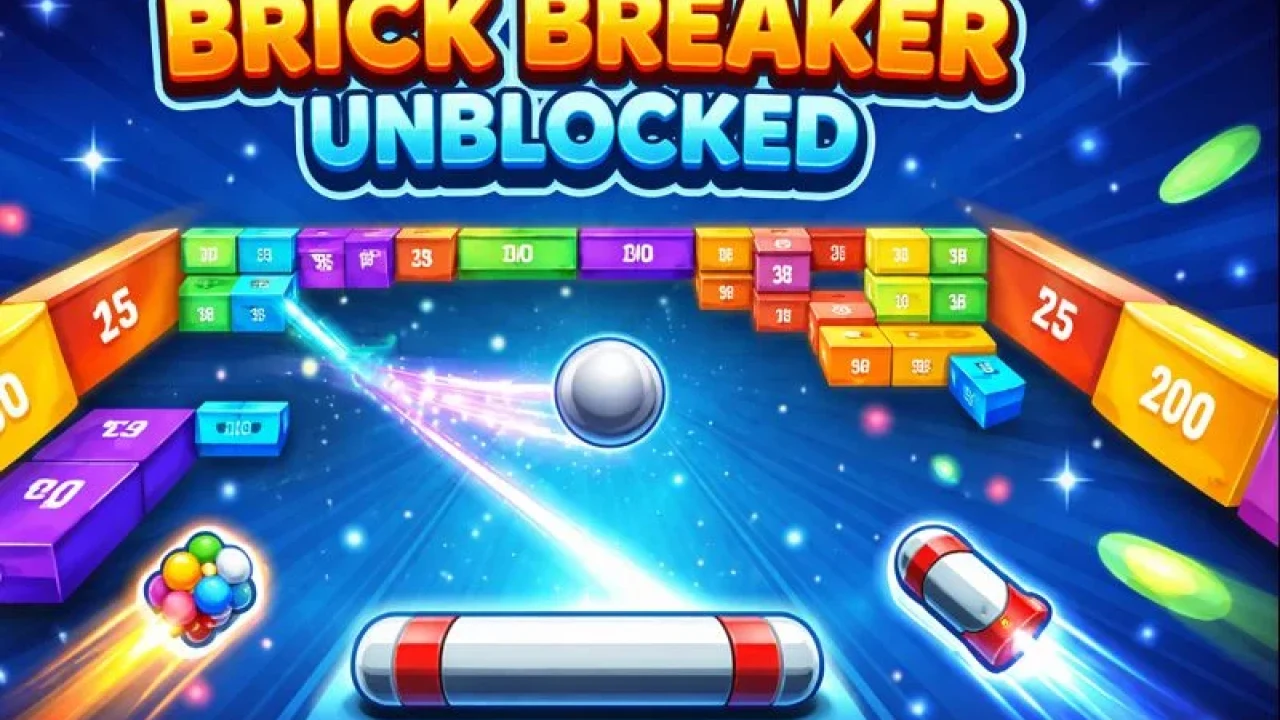
Brick breaker unblocked is the kind of quick arcade challenge that turns a spare minute into a "one more try" streak. You guide a paddle, keep the ball alive, and chip away at patterns of bricks until the board finally snaps open. If you want a clean, browser-friendly place to jump in, start here: play Bricks Breaker on Kizi10. The core idea comes from classic block-breaking games like Breakout: find smart angles, slip balls behind the wall, and let rebounds do the heavy lifting. It is simple enough for beginners, but there is real depth once you begin planning tunnels, managing where your balls land, and building up extra balls for huge clears. Below are practical tips and settings-style notes to help you get smoother runs, higher scores, and fewer frustrating resets.
🕹️ Brick Breaker Unblocked Free Unblocked Ready To Play
Sometimes you just want instant action, and brick breaker unblocked delivers without a long tutorial or heavy download. Load the board, drag to aim, and release. Early levels reward simple choices: clear the front rows, then open a tunnel so later balls ricochet behind the wall. As numbers rise, every angle matters, so pause before shooting and picture the rebound. The best part of unblocked play is the quick loop: miss a perfect line, restart, and try again in seconds. If you treat each turn like a mini puzzle, you improve fast. Aim for consistency first, then speed. With a little practice, short breaks turn into satisfying clears and surprisingly high scores. Try to keep your shots centered so the returning balls stack tightly; a tight stack gives you more control on the next launch and reduces random bounces too.
🚀 Brick Breaker Unblocked Power Up Features
Power-ups in brick breaker unblocked are simple, but they swing a whole level when you time them well. Extra balls are the favorite because they multiply damage and help you clear high numbers quickly. Try to collect ball pickups before you finish a turn, so your next launch starts stronger. Wide spreads matter: aim so the first ball clips a corner, then let the cluster fan out and chew through the center. If a level has a single tough brick guarding a big pocket, focus it early, because pocket bounces do more work than frontal hits. Some variants add slow or extend effects; use them to set up a clean tunnel, not as a panic button. The smartest power-up is information: watch which angles keep your returns grouped, then repeat them. Save risky shots for when you must.
🎯 Brick Breaker Unblocked Pro Tips Gameplay
Your biggest skill in brick breaker unblocked is knowing when to play safe and when to gamble. A safe shot keeps the cluster low, clears a few bricks, and sets up a better angle for next turn. A gamble threads a narrow gap and starts hitting the back line, which can erase half the board fast. Gamble only when the payoff is huge: a clean channel to the top, or a corner brick that is holding everything together. Count your balls as they return and watch where the last few land. If the landing point drifts to an edge, your next turn becomes awkward, so correct it with a gentle mid-board angle. When bricks are dense, go for controlled clears. When a pocket opens, go aggressive and cash in. Do not chase lone bricks unless they unlock a lane.
🛡️ About Brick Breaker Unblocked Safety
Playing brick breaker unblocked should feel lightweight and safe, especially on a shared device. Keep the game in a normal browser tab and avoid installing extra extensions that promise faster play or hidden cheats. For younger players, this genre is naturally family friendly because the goals are clear and the pace is calm, but it still helps to set short sessions. Ten minutes is enough to relax without disappearing into endless levels. If you are playing at school or work, remember that site rules matter more than your high score. Use headphones only if allowed, and keep volume low so audio cues do not distract others. Finally, if the page shows pop-ups, close them and return to the game area, or pick a different site if it feels sketchy. A clean experience should never ask for passwords or downloads.
🧩 How to Play Brick Breaker Unblocked Setup
Getting started with brick breaker unblocked is about choosing a comfortable setup so aiming feels predictable. On desktop, use a mouse or trackpad you can control smoothly, and keep browser zoom at 100% so the playfield is not stretched. On mobile, keep finger movements short and steady, because wide swipes can overcorrect your line. Before your first real attempt, take one practice shot at an easy angle that returns the balls near the center. That return point is your anchor for the next turn. If you keep losing control, slow down and prioritize where the balls land, not how many bricks you break. Once you can hold a stable landing spot, start looking for tunnels and corner clips that open the board quickly. If your device stutters, lower other app usage first, then reload the page to clear memory fully.
🎮 Beginner Control Setup for Brick Breaker Unblocked
Beginners do best when controls feel boring in the best way: steady, simple, repeatable. In brick breaker unblocked, you control the next turn by controlling where the balls finish this turn. On desktop, rest your wrist and make small aiming adjustments instead of long drags. If your pointer speed is very high, lower it so tiny movements do not jump the angle. On mobile, hold the device with two hands and aim with one thumb, keeping your grip stable so the screen does not wobble. Try turning off gesture navigation if it interferes near the bottom edge. Most of all, avoid last-second flicks. A calm release is more accurate, and accuracy is what creates tunnels, pocket bounces, and huge clears. If you miss often, aim higher than you think and let the side walls guide the spread back down.
🟢 Early Game Tips for Brick Breaker Unblocked
The early game is where you build a lead that makes later levels manageable. In brick breaker unblocked, do not rush the first turns. Scan for bricks that block access to the upper area, because getting a ball behind the stack is how you create big clears. Aim at corners more than faces; corner clips produce odd angles that slip through rows. When you see a ball pickup, plan the shot to collect it even if it means breaking fewer bricks this turn. More balls next turn usually beats a tiny clear now. Try to finish each turn with your landing point near the middle, so you can attack either side on demand. If the board is symmetric, pick one side and commit until a tunnel opens. Once the tunnel exists, aim into it repeatedly until the top collapses completely.
❓ Controls and Settings FAQ
Q: Do I need a keyboard? A: Usually no. Most brick breaker unblocked versions are aim-and-release with mouse or touch. Q: Why does my aim feel off? A: Check browser zoom, pointer speed, and trackpad acceleration. Q: Can I play on mobile? A: Yes. Use short thumb drags and keep the phone steady. Q: The game looks blurry. A: Reset zoom to 100%, try full screen, then refresh. Q: Is there a best angle? A: The best angle is the one that returns balls to the center for an easy next shot. Q: Do levels ever end? A: Some modes have thousands of stages, others are endless. Q: Can I pause? A: If the tab stays open, you can usually resume where you left off. Q: Is it kid friendly? A: Yes, nonviolent and very easy to grasp.
⚙️ Brick Breaker Unblocked Optimization Update
If brick breaker unblocked feels laggy, a few quick tweaks can make it smoother. Close extra tabs that are playing video, then reload the game in a clean window. Turn off battery saver while you play, because it can reduce performance and add input delay. On desktop, disable unnecessary extensions, especially anything that injects overlays into web pages. If the game stutters after a while, clear cache for the site or restart the browser to free memory. Mobile tip: switch to airplane mode if ads are not required, since background network activity can cause small hitches. Finally, use full screen to reduce accidental clicks outside the playfield, which can break your aiming rhythm. If you are on an older laptop, lower screen brightness, plug in power, and avoid running updates in the background. Small changes add up for steadier play.
🧰 Troubleshooting Quick Fixes
If the page loads but the game will not start, refresh once and wait a few seconds before clicking again. Black screen? Try another browser, or disable strict blockers for that page. No sound: check the site mute icon, system volume, then whether the browser blocked audio. For input issues, click the game frame once to give it focus, and avoid moving the pointer outside the window while aiming. If shots feel delayed, close background apps, especially streaming or downloads. Stuck on loading: clear the site data, restart the browser, and try again. If nothing helps, switch networks or test on mobile data to rule out filtering. When a level freezes mid-run, take a screenshot of the error, note your browser version, and try private mode. Private mode disables many extensions and often fixes weird conflicts for most players.